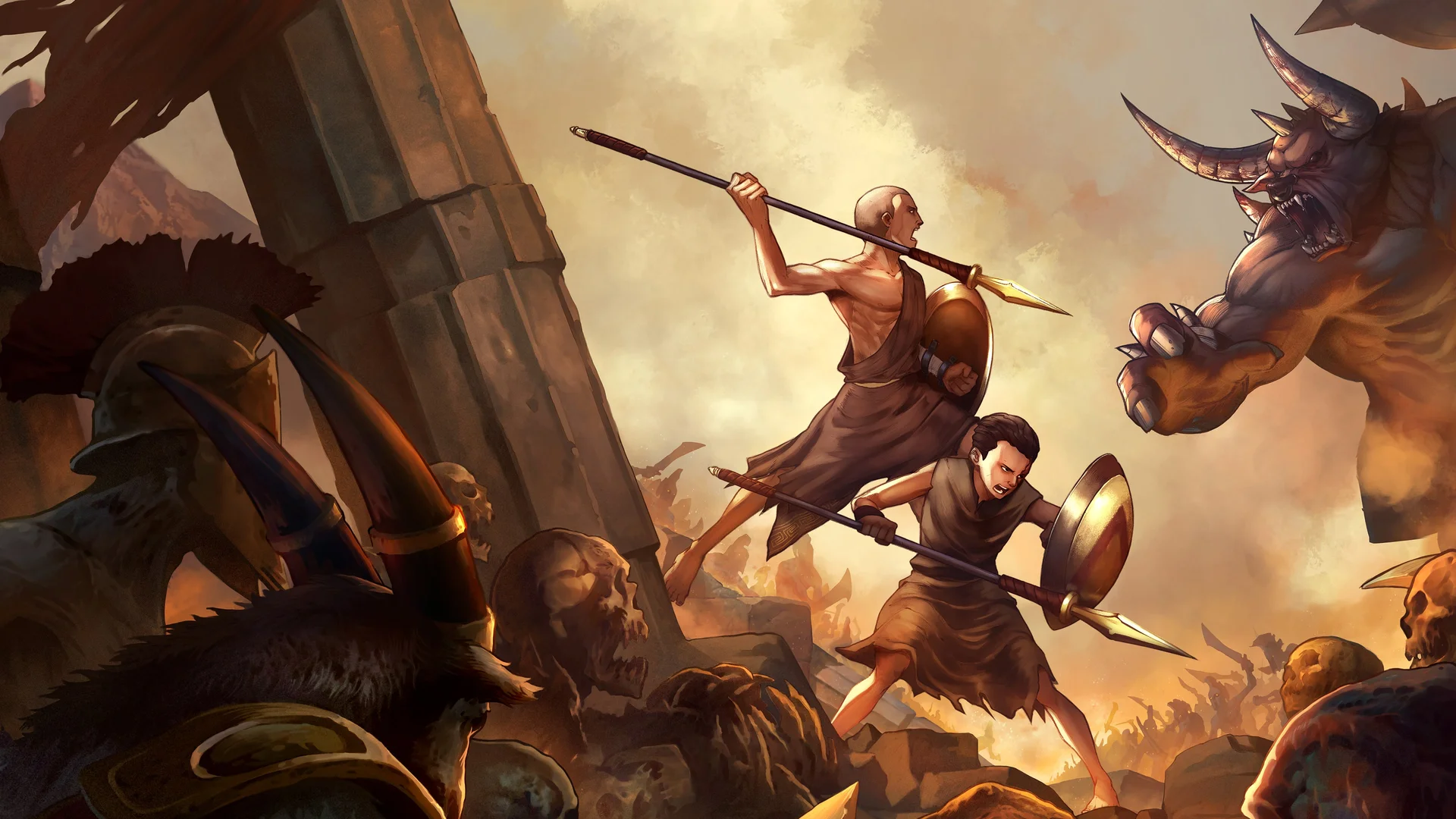
- God of War Sons of Sparta on PC runs through a community-made PC port, not an official release.
- Download source: The port files are distributed via GitHub, with links shared by the porting community.
- Core setup: Extract the port, copy files, and replace the
eboot.binin your game dump folder. - Best practice: Always back up your original files before replacing anything.
- Support channel: Community Discord servers provide help if you hit errors during setup.
God of War Sons of Sparta on PC: Current Status
As of 2026, God of War Sons of Sparta does not have an official PC release. What players use instead is a community-built PC port that lets the game run natively on Windows computers. The port is distributed through GitHub, and the setup process is straightforward once you know the correct file placement.
The key thing to understand is how this port works: you take the port files, extract them, and replace the original executable boot file (eboot.bin) inside your game dump with the port's executable. After that, the game launches and runs through the port's own launcher, where you can adjust settings to match your hardware.
Video Highlights:
- Where to download the PC port (GitHub, link in the creator's video comments)
- How to extract the port and copy its files correctly
- Replacing
eboot.binin the game dump location - Launching the port executable and adjusting PC settings
- Where to get help (community Discord server)
This is a community-made port, not an official Sony or Santa Monica Studio release. Only use game files you own legally. The wiki does not host or distribute the port files ourselves.
What You Need Before Starting
Before touching any files, make sure your setup matches these requirements. Skipping preparation is the most common cause of failed installations.
| Requirement | Details | Priority |
|---|---|---|
| Game dump | Your own copy of God of War Sons of Sparta files | Required |
| PC port files | Downloaded from GitHub (link in community channels) | Required |
| Extraction tool | 7-Zip or WinRAR for unpacking the port | Required |
Original eboot.bin | Located inside your game dump folder | Required |
| Backup storage | Copy of original files before replacement | Strongly recommended |
Hardware Basics
- Mid-range GPU handles the port well
- 8 GB RAM recommended minimum
- Dedicated GPU preferred over integrated graphics
Software Basics
- Updated graphics drivers
- Extraction tool installed
- Antivirus exceptions for the port folder
File Basics
- Know your game dump location
- Identify the
eboot.binfile - Keep the port files together in one folder
Before replacing anything, copy your original eboot.bin to a separate backup folder. If the port misbehaves, you can restore the original file in seconds instead of re-dumping the entire game.
Step-by-Step PC Port Installation
Follow this sequence exactly. Each step builds on the previous one, so do not skip ahead.
Download the PC Port
Get the port files from the GitHub repository. The download link is shared in the port creator's video comment section and community Discord. Verify the file size after download to confirm it completed properly.
Extract the Port Files
Right-click the downloaded archive and extract it using 7-Zip or WinRAR. You should end up with a folder containing the port executable and supporting files.
Copy All Port Files
Select every extracted file and copy them. Keep them grouped together, because they all need to move into the game location in the next step.
Replace the Game's Eboot
Navigate to your game dump location and find the existing eboot.bin file. Back it up, then replace it with the port's files. This is the critical step that redirects the game through the PC port.
Launch and Configure
Open the PC port executable. Configure the settings according to your PC's capabilities, resolution, and refresh rate, then launch the game and verify it runs.
If everything worked, the game should launch directly from the port executable and run at your configured settings. If you see errors instead, jump down to the troubleshooting section before making further changes.
Settings and Troubleshooting
Getting the game to launch is half the battle. These settings and fixes cover the most common issues players report with the port.
| Setting | Recommended Value | Why It Matters |
|---|---|---|
| Resolution | Native monitor resolution | Avoids blurry upscaling |
| Frame cap | 60 FPS | Stable pacing on most hardware |
| Graphics preset | Medium first, then raise | Finds your stable baseline |
| VSync | On if screen tearing occurs | Smooths visual output |
| Controller support | Enable in port settings | Matches console-style play |
Common problems and their fixes:
- Game will not launch: Re-check that
eboot.binwas fully replaced, not renamed alongside the original. - Crashes at startup: Lower the graphics preset and confirm your GPU drivers are current.
- Missing files error: Re-extract the port archive, since interrupted extraction is a frequent culprit.
- Persistent errors: Join the community Discord server referenced by the port creator for direct support.
The port creator actively runs a Discord server for this project. If the setup guide does not resolve your issue, that server is the fastest path to a fix, and the port files are also distributed there.
Installation Checklist
Run through this checklist before and after installation to avoid the most common mistakes.
PC Port Setup Milestones:
- Downloaded port files from the official GitHub link
- Extracted archive completely with no errors
- Backed up the original eboot.bin
- Replaced eboot.bin in the game dump folder
- Configured port settings for my hardware
- Confirmed the game launches and runs
Once the game runs, spend a few minutes in the port's settings menu testing resolution and frame rate before diving into the story. A stable configuration up front saves repeated restarts later.
FAQ
Q: Is God of War Sons of Sparta officially available on PC?
No. There is no official PC release. The version players use on PC is a community-made port distributed through GitHub, which requires your own game files to function.
Q: Where do I download the God of War Sons of Sparta PC port?
The port is hosted on GitHub, and the download link is shared in the port creator's video comment section and community Discord server. The wiki recommends using only those official community channels.
Q: What is eboot.bin and why do I replace it?
The eboot.bin is the executable boot file inside the game dump. Replacing it with the port's files redirects the game so it runs through the PC port's launcher instead of its original platform format.
Q: The game gives an error after setup. What should I try first?
First, confirm that eboot.bin was fully replaced rather than duplicated. Then re-extract the port archive in case the download was incomplete. If errors persist, ask for help in the community Discord server.